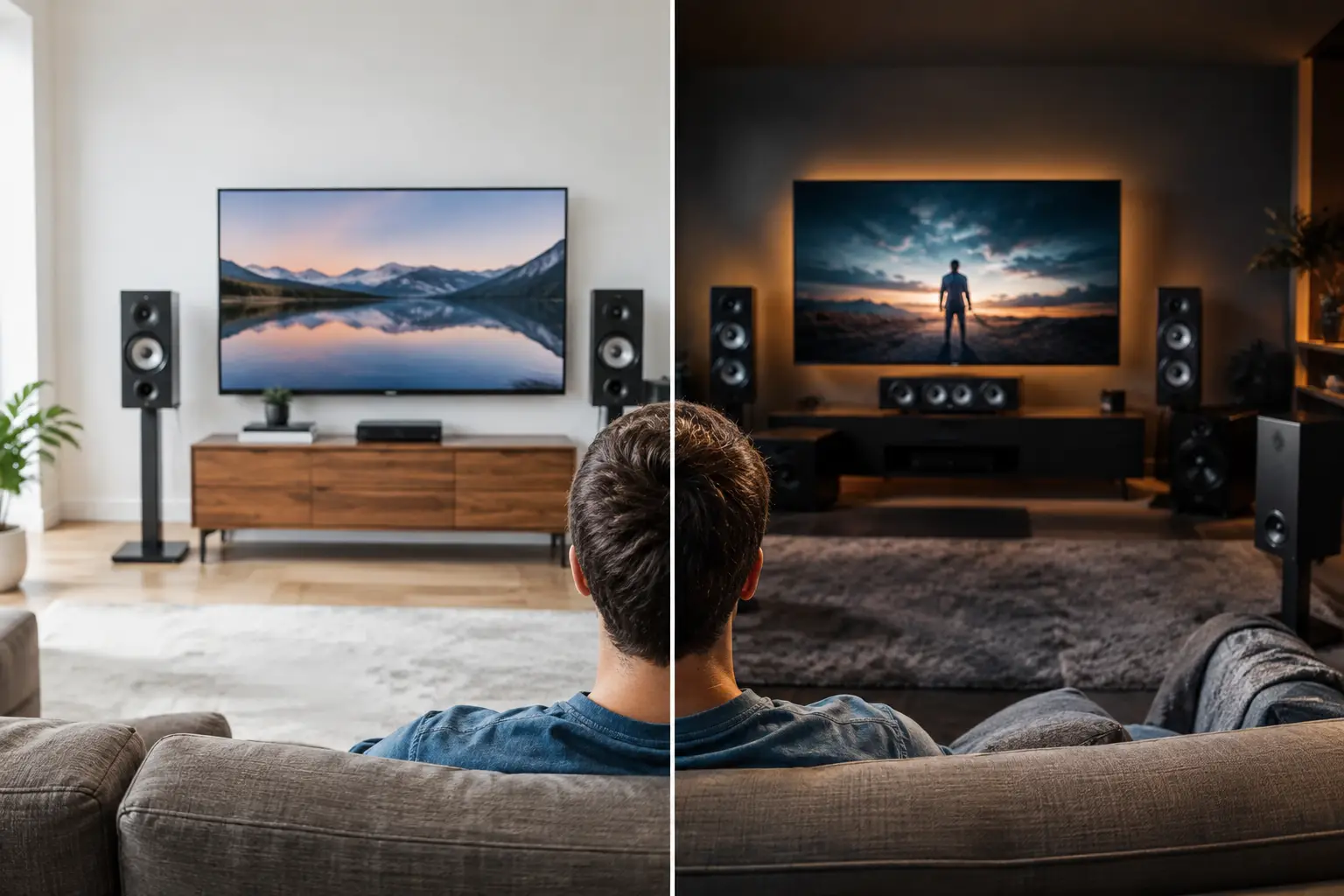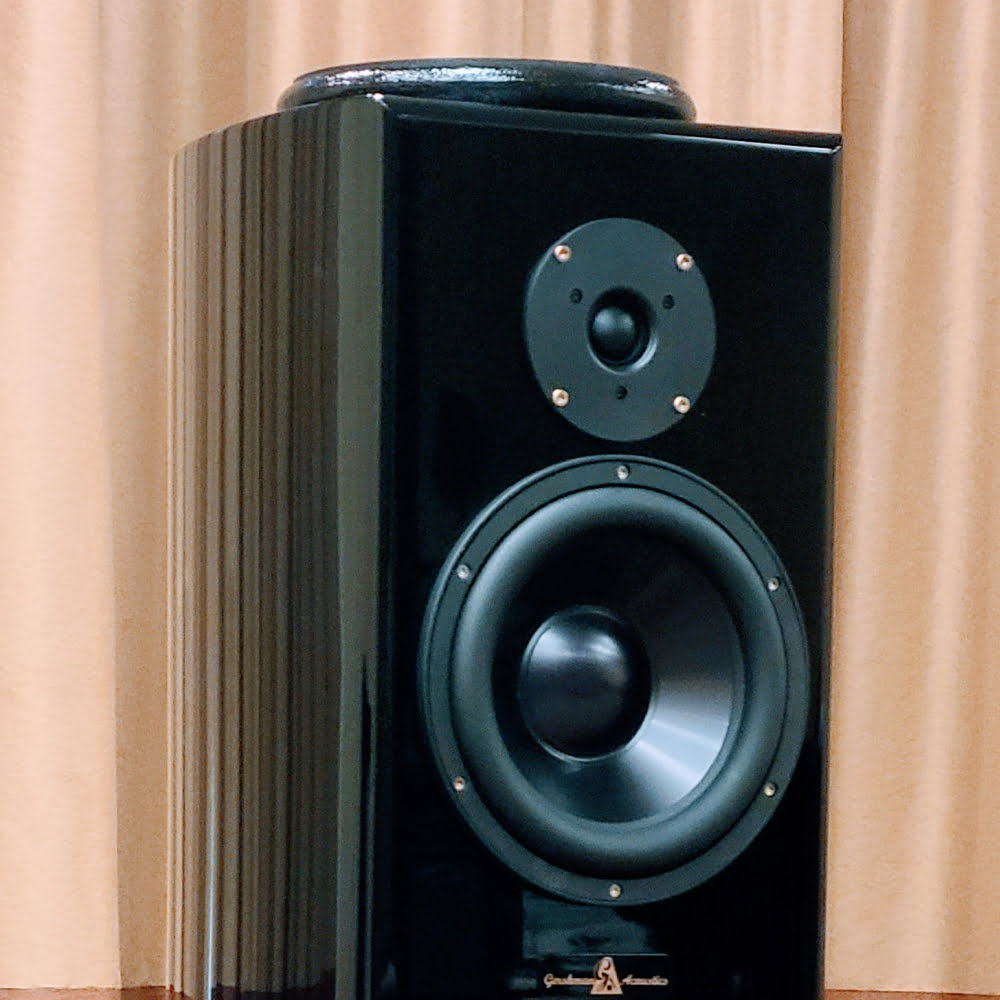
A beautiful loudspeaker can reveal the breath before a vocalist’s first phrase, the wood of a cello, and the scale of a concert hall. Yet even an exceptional system must speak through a real room. This guide to room correction software explains how digital calibration can help preserve that musical truth – and where it can become an overcorrection that trades life and dimensionality for measurement perfection.
For the discerning listener, room correction is not a substitute for craftsmanship, thoughtful setup, or a superb recording. It is a tool for resolving a particular problem: the room’s influence, especially in the bass, can be far greater than most people expect. Used with restraint, it can bring a system closer to the performance. Used indiscriminately, it can make an otherwise expressive system sound overly processed.
Why the Listening Room Has Such a Strong Voice
A listening room is part of the playback system. Its dimensions, construction, furnishings, and speaker placement shape what arrives at the listening seat. Below roughly 300 Hz, room boundaries create standing waves that can exaggerate certain notes and diminish others. A kick drum may bloom too heavily at one frequency, while the lowest register of a piano seems to disappear at another.
The effects are not confined to bass. Early reflections from side walls, ceilings, floors, and large glass surfaces can alter perceived tonal balance and blur the focused placement of voices and instruments. A fine loudspeaker may be capable of expansive imaging, but no correction program can fully restore it if the speakers are placed carelessly or the room is dominated by hard, reflective surfaces.
That distinction matters. Digital correction works most convincingly when it addresses problems electronics can genuinely improve: repeatable low-frequency peaks, moderate boundary reinforcement, and speaker-to-speaker balance at the listening position. It is less successful when asked to correct deep nulls, late reverberation, or a room layout that places the listener against a rear wall.
What Room Correction Software Actually Does
Room correction software begins with measurement. Using a calibrated microphone, it plays test signals through each speaker and records the room’s acoustic response at one or more listening positions. The program then creates filters intended to move that response toward a selected target curve.
Most systems work in the digital domain through a compatible processor, integrated amplifier, preamplifier, streamer, or computer-based playback chain. The names vary – Dirac Live, ARC Genesis, RoomPerfect, Audyssey, and measurement-led platforms built around REW are familiar examples – but their philosophies are not identical.
Some prioritize a carefully shaped frequency response. Others also attempt to improve impulse response and timing behavior. Some are designed for straightforward, guided use, while others offer the skilled listener considerable control over measurement windows, correction range, target curves, and filter limits.
A graph alone does not define musical satisfaction. The goal is not necessarily a perfectly flat line. In many rooms, a gently descending response from bass to treble sounds more natural and relaxed than a ruler-flat target. The ideal curve depends on the loudspeaker, room, recording quality, listening level, and personal taste.
Correction Is Not Acoustic Treatment
This is the most useful principle to remember. Software can reduce a bass peak, but it cannot remove the energy stored in a room. It can soften a broad tonal imbalance, but it cannot prevent a bare side wall from creating a strong early reflection. It cannot fill a severe cancellation caused by geometry without demanding excessive amplifier power and driver excursion.
Physical choices remain foundational: speaker distance from front and side walls, symmetry where possible, appropriate toe-in, a well-considered listening position, rugs, upholstery, bookshelves, curtains, and purpose-built treatment when the room allows it. These decisions often deliver a more natural improvement than aggressive digital equalization.
A Guide to Room Correction Software for High-End Systems
Before selecting software, establish what you want it to solve. If bass lines sound uneven as you move across the sofa, correction can be transformative. If the tonal balance is broadly satisfying but image focus is weak, speaker placement and reflection control deserve attention first. If a system sounds bright only on certain recordings, the issue may be mastering rather than the room.
A serious calibration process starts with speaker placement. Position the loudspeakers where they can breathe, rather than treating room correction as permission to push them wherever furniture makes life easiest. Small movements – even a few inches – can materially change bass behavior and soundstage depth. Measure after placement, not before.
Next, use the manufacturer’s recommended microphone positions. A single-point measurement may optimize one chair with impressive precision but can sound less consistent across a wider seating area. Multiple positions generally offer a more balanced result, though they should remain within the actual listening zone rather than scattered throughout the room.
Then set sensible correction limits. Many experienced listeners prefer correcting bass and lower midrange while leaving the upper frequencies largely untouched. The reason is simple: loudspeakers are voiced through extensive listening and engineering, and high-frequency response is highly dependent on microphone position and room reflections. Full-range correction can be excellent in some systems, but it is not automatically superior.
Finally, listen before committing. Save more than one filter if the platform permits it. Compare a bass-only correction, a broader correction, and no correction at all using music you know intimately. Choose recordings with acoustic bass, piano, voice, dense orchestral passages, and naturally recorded percussion. The better setting is not the one that looks most disciplined on screen. It is the one that makes timing, texture, scale, and emotional communication feel more convincing.
Choosing a Platform That Suits Your System
The best software is often determined by the electronics already in your system. A processor with an excellent built-in platform may be the most elegant path because it avoids additional boxes and preserves a clean signal chain. A computer-based solution can offer exceptional flexibility for the technically inclined listener, but demands greater care in setup and may not suit a room designed around effortless daily listening.
Consider three questions. First, how much control do you genuinely want? A guided interface can produce excellent results without turning a weekend of listening into a measurement project. Second, can the software apply correction only where you need it? Adjustable frequency ranges and editable target curves are valuable in a revealing system. Third, how transparent is the corrected result? Greater precision on paper is of little value if transients lose their immediacy or voices become less embodied.
For systems of the caliber associated with Gershman Acoustics, this final point is especially significant. A loudspeaker built to convey tonal color, dynamic shading, and a stable three-dimensional stage should not be forced into a generic digital template. Correction should support the loudspeaker’s character, not overwrite it.
The Limits Worth Respecting
Do not attempt to equalize a narrow, deep bass null aggressively. Such nulls are usually caused by cancellation, and boosting them asks the system to work harder without reliably restoring the missing energy at the listening seat. Moving the speaker, subwoofer, or chair is usually the more intelligent response.
Be cautious with automatic target curves. They are useful starting points, not commandments. If the corrected presentation becomes thin, dry, or strangely small, a target with modest low-frequency warmth may better suit both the room and your listening preferences.
Also remember that calibration is not permanent. Moving a sofa, adding a substantial rug, replacing curtains, or changing speaker placement can alter the response enough to justify new measurements. Recalibration should be treated as fine tuning, much like checking cartridge alignment after an adjustment to a turntable.
Listening Is the Final Measurement
Room correction software is at its best when it disappears. You should not hear an effect. You should hear a bass line that now follows pitch instead of swelling unpredictably, a singer centered with greater solidity, and an orchestra whose weight no longer clouds its inner detail.
Take the time to prepare the room, position the system with care, and apply correction modestly. When the technology serves the music rather than calling attention to itself, the reward is not merely cleaner sound. It is the rare feeling that the room has fallen away, leaving only the performance and the emotional space it creates.